Clearing your first heatmap
Before diving into any more details, let's clear our first heatmap!
In general, our recommendation for everyone is to start off with "entry" difficulty, just for sake of keeping things simple at first and getting to know EQdrill. Aftwards, once you've understood the basic principles and flow of the training, you can increase the perceived difficulty to your liking.
Increasing the difficulty isn't just about the difficulty setting in the SideBar.
There are various other factors that impact the perceived difficulty.
Part of it is EQ typical settings like gain and Q.
But even more so, additional training affecting settings discussed in chapter Training in depth (e.g. snap edit, build up) can help in decreasing the perceived difficulty, regardless of the actual difficulty setting.
This allows for a much more gradual increase in difficulty than the sole difficulty setting would make appear at first.
Basic setup
First, let's do some initial setup in the SideBar.
Use the following, "total beginner" settings:
-
difficulty: entry -
gain: 10 (or something else rather high)infoIf the player keeps auto-muting when you place the user filter to "boost" the gain, then try lowering the player volume a bit and increase your overall speaker / headphone volume to compensate for it as needed. Auto-muting happens when the audio signal starts clipping, which can happen if large EQ boosts are applied.
-
Q: 1.5 (or similarly low to get a decently wide filter width) -
everything else left at default (disabled)
In our example, we end up with six 'snap points', i.e. six locations we can place the filter (3 boost, 3 cut).
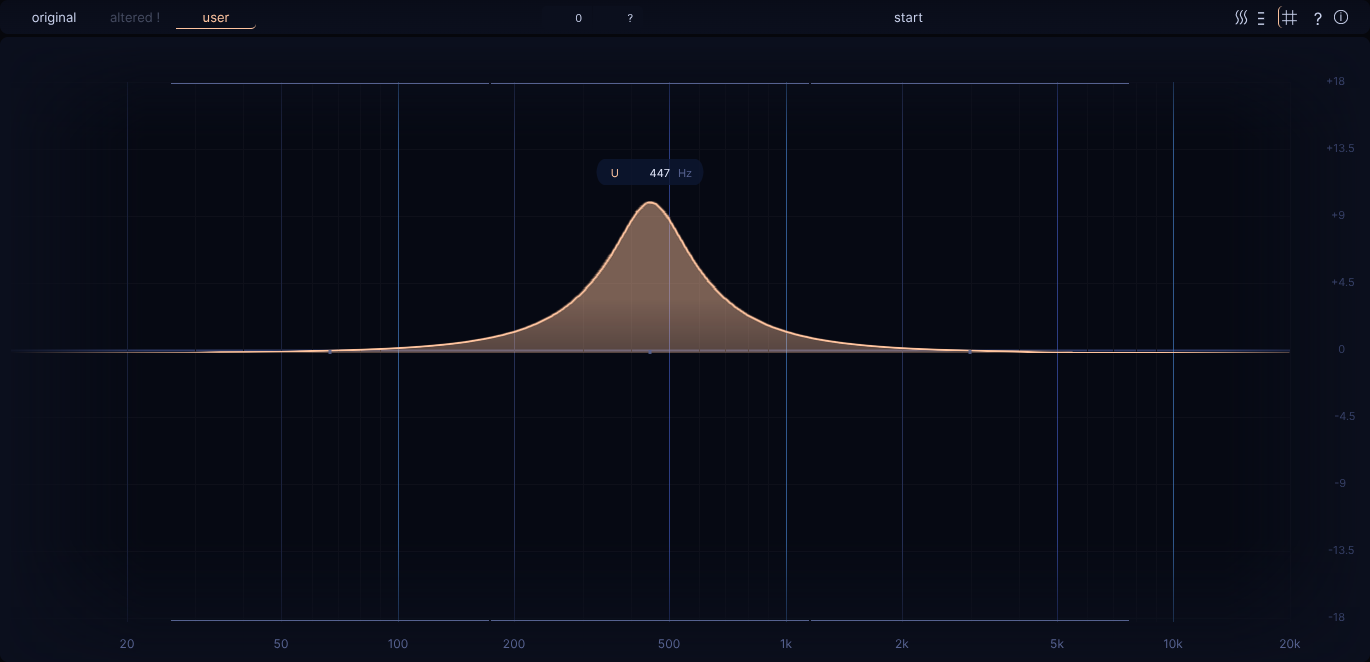
Let's try clearing the heatmap
Now:
-
load up some audio track via the
Browsebutton (bottom right) near thePlaylistarea:- something that's rather rich and balanced in frequency content
-
initialize EQdrill by making it load the track to the
Playerarea: a) press the "init" shortcut (default:shift + i) a) start playback by double clicking on the track / hitting enter once selected -
toggle playback (via resp. button or
spacebar) -
before starting the round and playing your first turn, consider using this chance to move your
'user'filter to various positions and toggle it on and off via'a'and'd'shortcuts:- just for the sake of getting a feel what various positions sound like
- in essence, one of those will become the random
'altered'filter of your first turn
-
now to get started,
LMBclick once inside the game area to begin the round and its very first turn -
first, listen to the
'original', unaltered audio signal:- notice that your
userfilter positioning has no perceivable inpact in this case
- notice that your
-
use shortcut
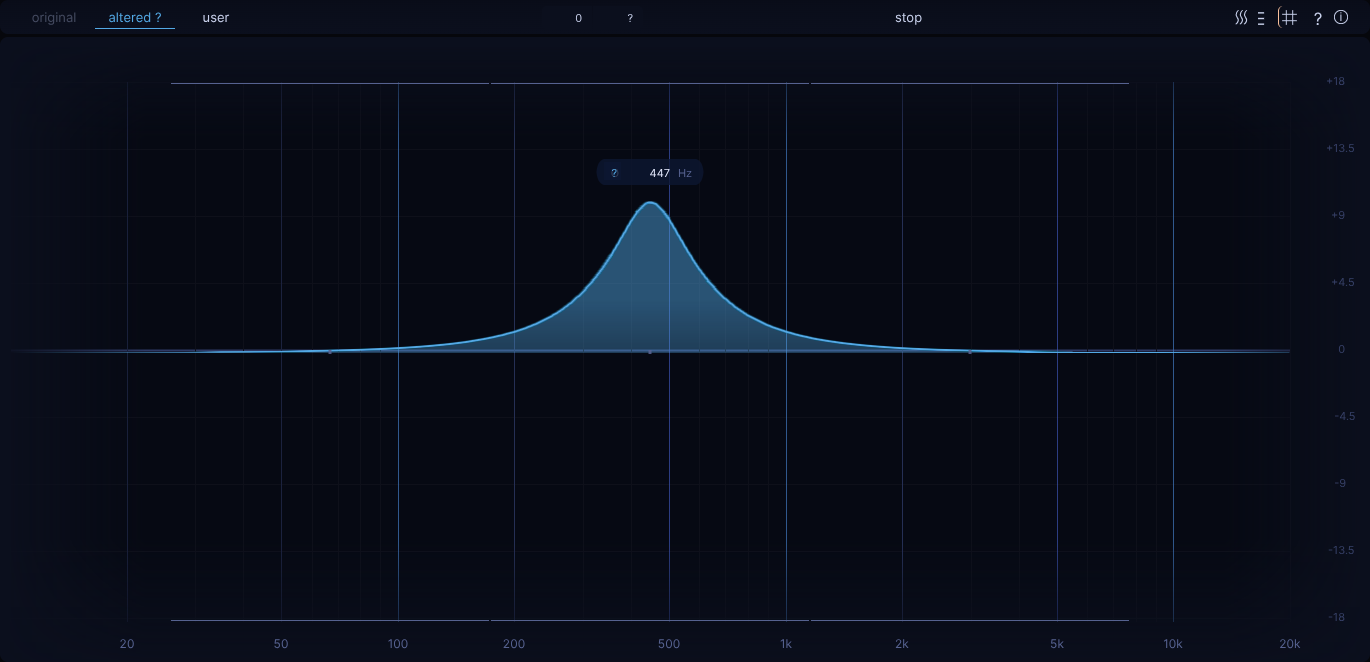
's'to switch to the'altered'filter:- once selected, your
'user'filter position still has no impact, but it will be colored blue, which indicates some randomly applied'altered'filter is now being applied and can now be perceived
- once selected, your
-
at this point you can no longer select the
'original'filter (i.e. original audio signal) for sake of not making this too easy -
rather it's about toggling between
'altered'and'user':- when
'user'filter is selected, you will hear the effect of both the "hidden"'altered'filter, combined with the position of your'user'filter (filter is colored yellow now) - the goal is to figure out where to place the
'user'filter in order to balance out the hidden'altered'filter so that it sounds like the'original'filter again
- when
-
once you think you found it, click
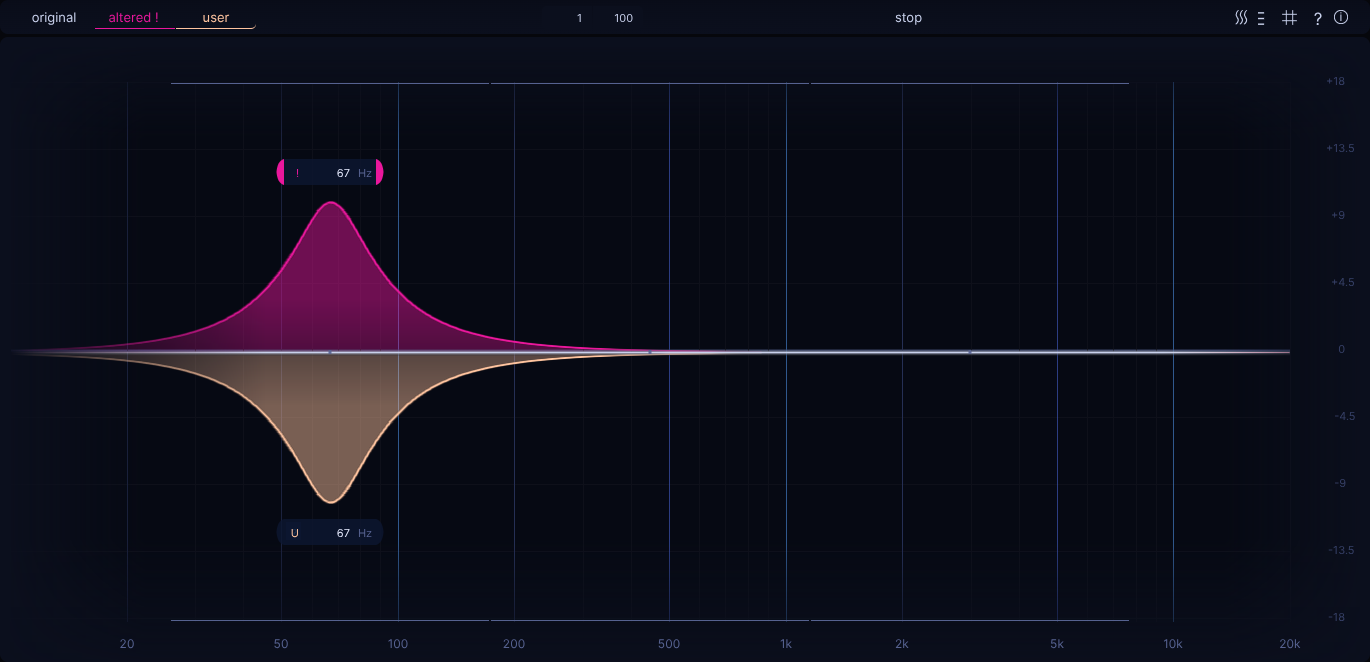
LMB(or pressfshortcut) to give your answer:- best case would be that your own answer (yellow
'user'filter) is placed at the same frequency, but the opposing side of the now showing pink'altered'filter - you can now toggle between all filter states with
'a','s'and'd'key and reflect on your answer in case you differ
- best case would be that your own answer (yellow
-
LMBclick (or pressfshortcut) again to start the next turn with a newly determined, random altered filter -
then just repeat for however many turns you like
-
in order to "clear the heatmap":
- it would require to reach the best possible rating for every single snap point (only about 6 snap points in this "entry" case)
- the better your answers, the quicker you'll get there
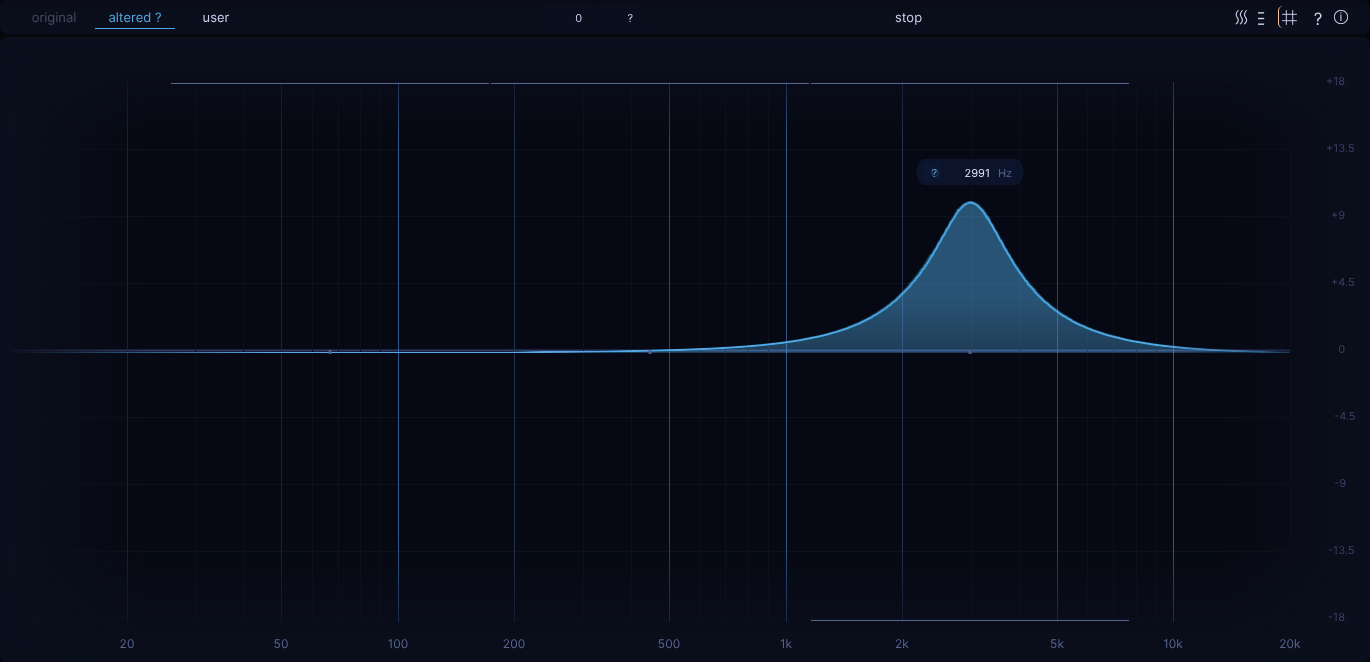
- as you are achieving the "best rating" for a given snap point, the "snap indicators" at the upper / lower edges of
the game area will disappear and consequenlty your possible positions where you can place the
'user'filter become less
-
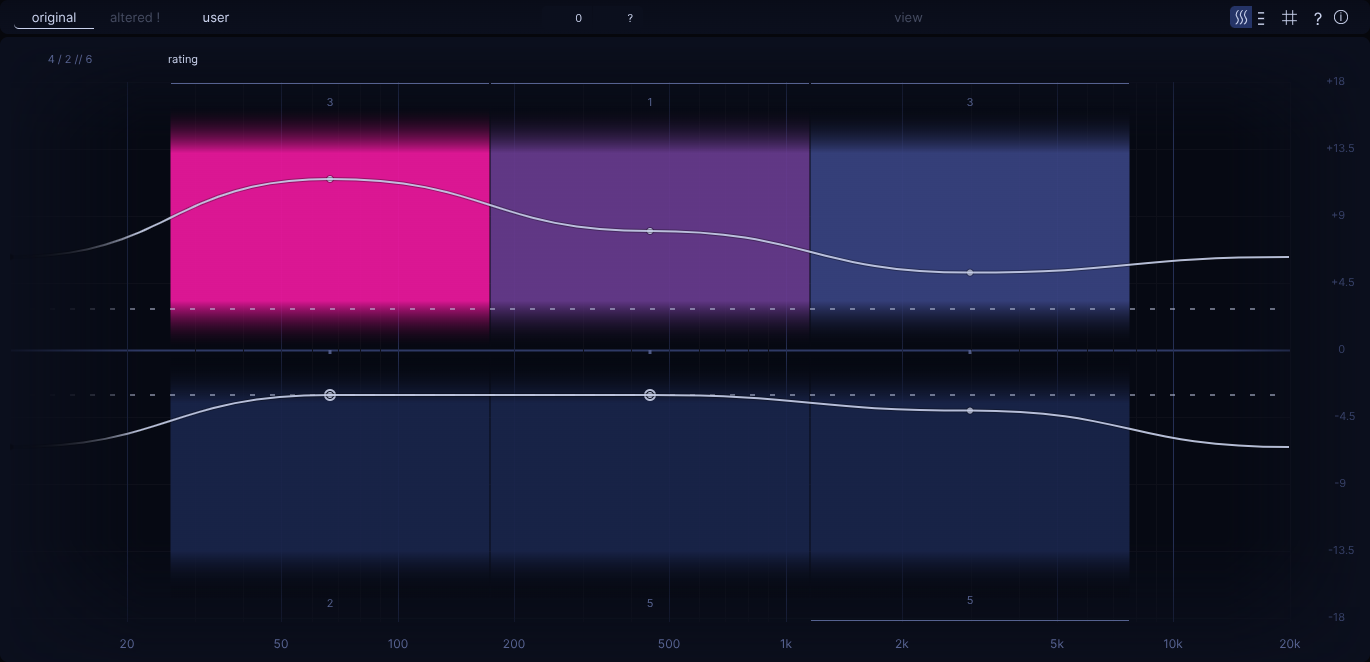
if you want to stop before achieving a fully cleared heatmap, you can still toggle the heatmap and look at your current state of the heatmap (via the "wavy" button in TopBar right side, or using shortcut
w)- the explanation of what the heatmap is showing is bit too vast to summarize with a couple sentences here; more details can be found in the following chapters, esp. chapter Heatmap
- for now just notice that the worse a given rating for a given snap point is, the further out from the vertical center line the so called "rating line" is being placed and that the coloring of the resp. snap point position goes from dark blue towards bright pink (roughly speaking)
-
starting over can be done by "resetting the heatmap":
- either via the resp. hamburger dropdown button next to the heatmap button
- or via using shortcut
shift + alt + r
If it felt like we just introduced a bunch of new terms without much explanation, please don't worry! The following chapters will talk in a lot more depth about these concepts. The goal of this chapter was simply to allow for playing an easy first heatmap, maybe even clearing it right away, and getting to know EQdrill a bit more. In many ways, this was just scratching the surface of what's to come!