Build up
The 'build up' setting is yet another feature that can impact the selection process of the random 'altered' filter.
It can be toggled via the respective SideBar setting or via pressing 'alt + b' key.
Concept
The general concept is the following: Based on the 'active snap pool', which constitutes all enabled snap points minus any cleared snap points, creates a 'subset snap pool' for the current turn and chooses the random 'altered' filter from it (opposite 'gain' of course). The size of the subset is determined by the respective SideBar setting.
Within the game area, the visual indication is the yellow colored snap indicators.
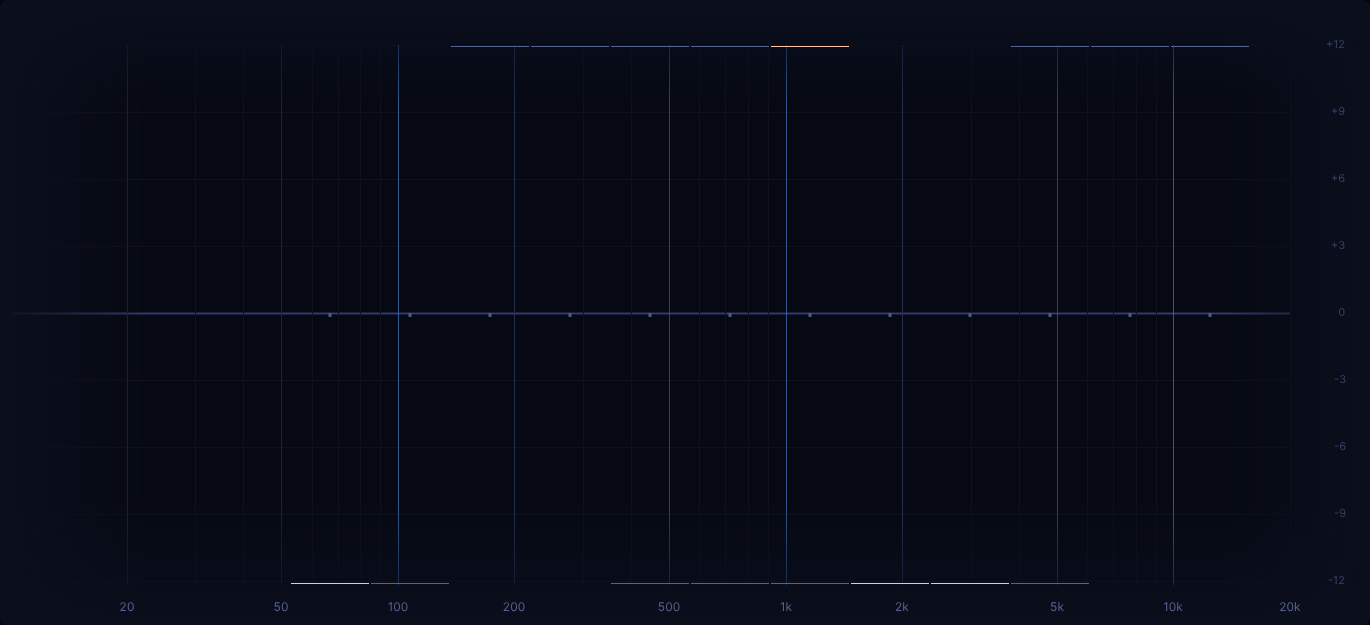
The above is the result of 'build up' active with a value of 4.
By default, 'build up' will create a new 'subset snap pool' for each turn.
But an additional setting called 'keep' exists.
When enabled, the initially determined subset (when 'build up' was enabled) will be kept across turns.
Only when a snap point is cleared will a new random snap points be added to the subset.
Benefits
What benefit does
'build up'provide?
For one, it can serve as a "stepping stone" when having too many potential snap points to pick from feels too overwhelming.
One can simply select a low 'build up' value, potentially even enable the 'keep' setting and simply focus on just a couple points at a time.
Another thing is that with 'keep' disabled, it can simply serve as a nice variation to an ear training session.
Still being asked from a wide variety of snap points, but just a couple possible answers for any given turn.
This might be a welcome thing on days when one doesn't really feel up to doing "full on" ear training but still would like to put in some time.
Furthermore it allows one to start really small on a new difficulty and then progressively increase the 'build up' value,
up until all (or at least a vast number of) available snap points are being selected for every turn, at which point 'build up' has served its purpose and can just as well be disabled going forward on the given difficulty.
We suggest to simply give the feature a try and view is an optional way of keeping the training more varied over time.