Heatmap info
As already mentioned in the Clearing chapter, upon fully clearing a given heatmap, the Heatmap info
window will appear.
Furthermore it can be toggled at any time, even for ongoing heatmaps, be it via the resp. heatmap dropdown menu, or via shortcut 'h'.
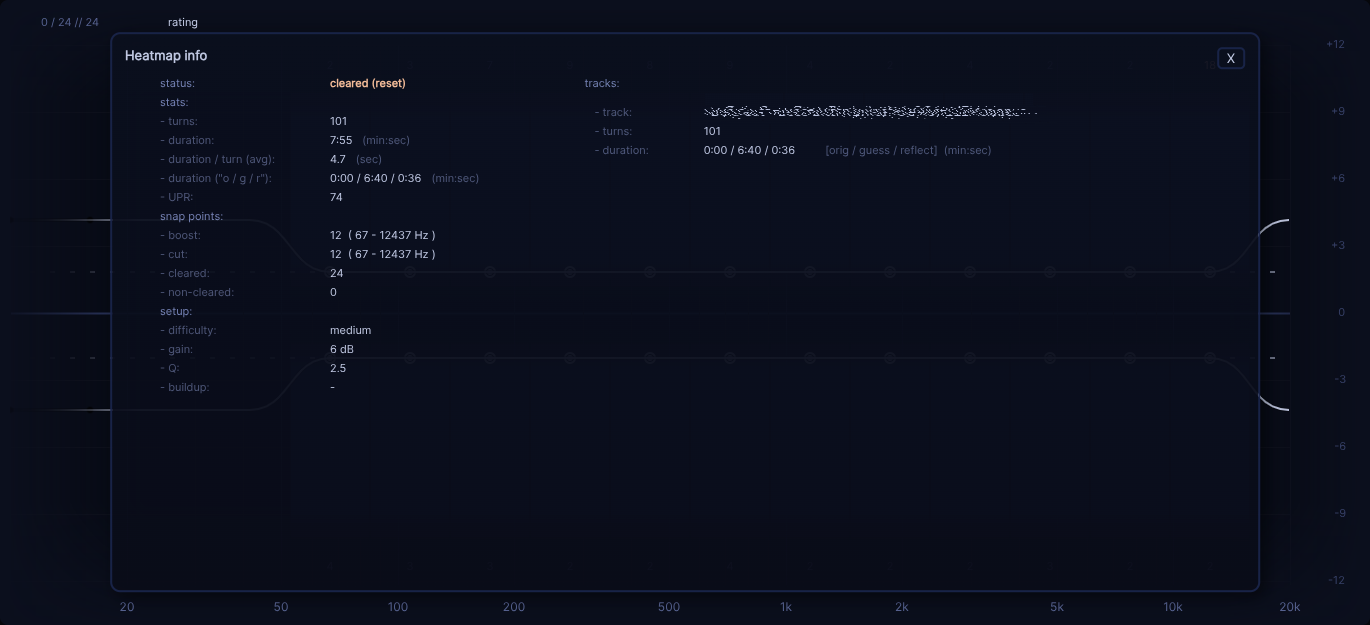
To make it short, this window simply shows a bunch of information about the ongoing heatmap, be it "stats" or heatmap bound settings, or the listened to reference tracks.